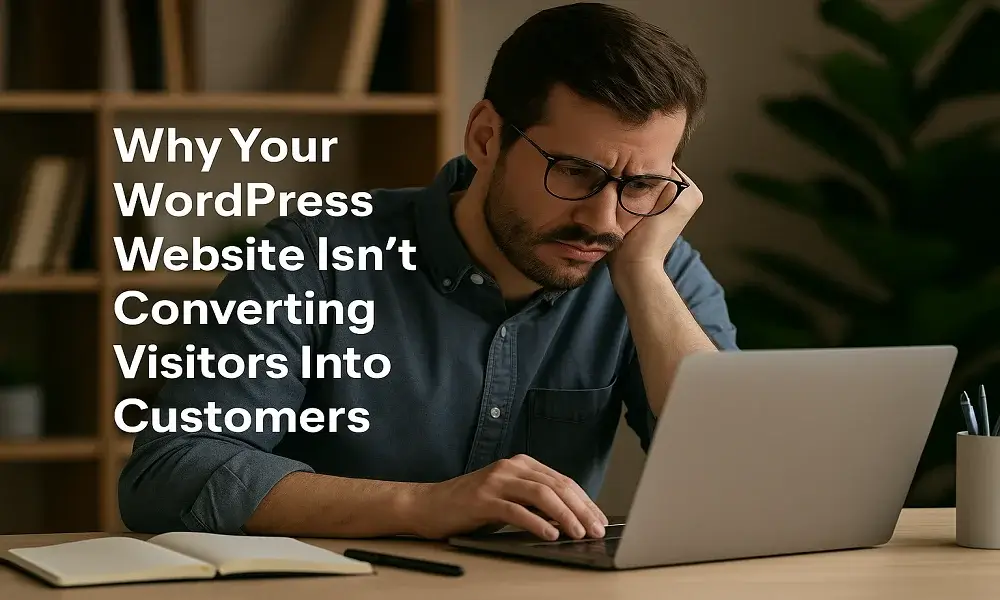
A beautifully designed website is important, but design alone cannot convert visitors into customers. Many business owners believe that once their WordPress website is live, clients will automatically start coming — but in reality, conversion depends on user experience, clarity, speed, trust, and how effectively your website guides visitors toward taking action.
If your website receives traffic but very few inquiries, bookings, or sales, the issue is not your marketing — it’s your website’s ability to convert. In today’s competitive digital world, a high-converting website must be fast, clear, persuasive, and user-friendly. This blog explains the common reasons WordPress websites fail to convert and how you can fix them to grow your business.
Visitors need to know exactly what action to take when they land on your site.
If your CTAs are hidden, unclear, or too many, users get confused and leave.
A strong CTA should be:
Short and action-focused
Visible above the fold
Consistent across pages
Examples include: “Get a Free Quote”, “Book a Call”, “Shop Now”, “Contact Us Today”.
If people don’t immediately understand what your business does, they won’t stay.
Your hero section should clearly answer three questions within seconds:
What you offer
Who it’s for
Why it matters
Unclear messaging reduces trust and increases bounce rate. Keep your content simple, direct, and benefit-driven.
A slow-loading website kills conversions instantly. Even a 1–2 second delay can reduce sales and leads dramatically.
Slow speed frustrates users and makes your business look unprofessional.
Key speed factors include:
Large images
Too many plugins
Weak hosting
Heavy page builder elements
Optimizing speed improves user experience and boosts conversion rates.
Most users browse from mobile devices, and if your layout breaks or looks messy, visitors leave without interacting.
Common mobile issues include:
Buttons too small
Text difficult to read
Forms not responsive
Images stretching incorrectly
A mobile-friendly design ensures smooth navigation and better user engagement.
People buy only when they trust your brand.
If your website lacks credibility indicators, visitors hesitate to take action.
Important trust elements include:
Customer reviews
Testimonials
Portfolio or past work
Certifications
Clear contact information
Adding social proof increases confidence and improves conversions.
If your forms ask too many questions or your checkout requires unnecessary steps, users abandon the process.
A conversion-focused form should be:
Short
Simple
Quick to fill
Reducing form fields can increase conversions by up to 30% or more.
A WordPress website fails to convert when it lacks clarity, speed, trust, and user-focused design. By improving your messaging, using strong CTAs, optimizing speed, enhancing mobile experience, and adding trust-building elements, you can turn visitors into paying customers.
A high-converting website works as your best salesperson — active 24/7, always convincing, always delivering results. Investing in conversion optimization is one of the smartest decisions for any business that wants consistent and predictable growth.

Greeny is a WordPress agency offering website design, development, SEO, maintenance, and ongoing support services. Founded and managed by experienced WordPress developers, Greeny focuses on building fast, secure, and search-engine-friendly websites with transparency and long-term client support.
GreenyWebs | WordPress Development Agency
Typically replies within minutes
Hello! Need a website that looks great and works perfectly? Chat with us and get started today.
WhatsApp Us
WhatsApp us