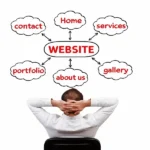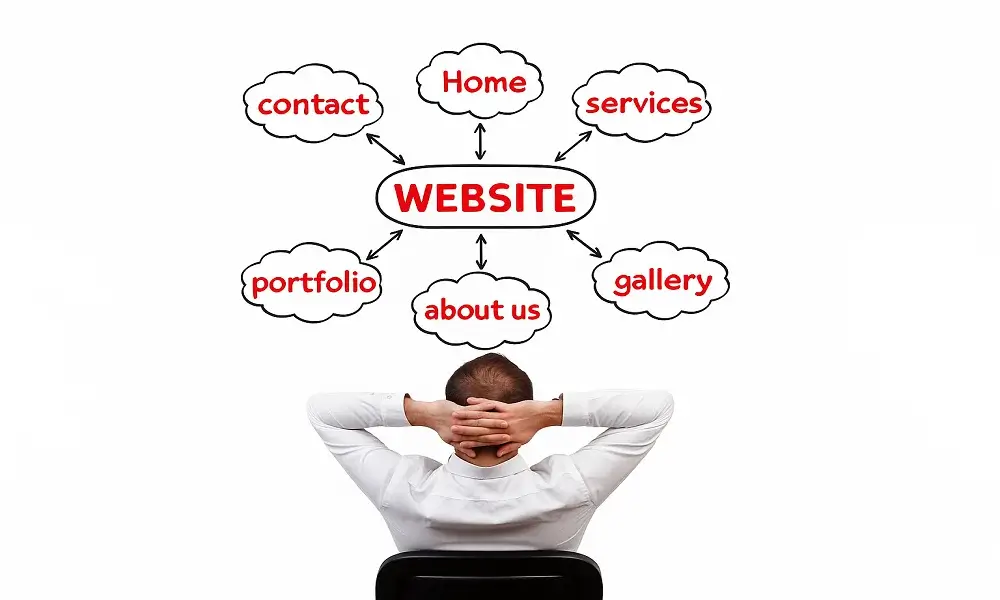
Website navigation plays a bigger role than most businesses realize. Even if your design is beautiful and your content is strong, visitors will leave if they cannot find what they are looking for. Poor navigation confuses users, increases bounce rates, and reduces conversions — especially on WordPress websites where plugins, themes, and page builders can easily complicate the menu structure.
A well-designed navigation system guides visitors through your website naturally. It creates a smooth journey from the homepage to services, portfolio, pricing, and contact pages. When navigation is done right, your website feels simple, professional, and trustworthy. This blog explains how poor navigation hurts your website and shows practical ways to fix it.
If your menu has too many items, unclear labels, or poor structure, visitors feel lost.
People expect menus to be simple and predictable — only essential pages should appear in the main navigation.
Avoid:
Overloaded menus
Unclear page names
Random placement of items
Visitors should immediately understand where to click next.
Many people browse websites from mobile phones.
If your menu becomes hard to open, overlaps content, or scrolls strangely on mobile, users will leave.
A proper mobile navigation should have:
A clean hamburger menu
Large tap-friendly buttons
Clear spacing
Mobile usability directly affects conversions and SEO ranking.
Breadcrumbs help users understand where they are on your website, especially on blogs, ecommerce pages, or service subpages.
Without breadcrumbs, visitors cannot easily move back or explore related content.
Breadcrumbs improve:
User experience
Time spent on site
Internal linking
Most SEO plugins like Rank Math or Yoast can add breadcrumbs easily.
If your services, projects, or blogs are not grouped correctly, users cannot find the information they need.
For example:
All services should be grouped under the “Services” menu
Blogs should be organized into categories
Portfolio items should be filtered properly
Clear categorization helps people navigate your site effortlessly.
A search bar may seem like a small feature, but it is extremely useful — especially for websites with blogs, products, or multiple service pages.
Without a search option, users cannot quickly find what they need.
Adding a search bar improves accessibility and helps increase page views.
If users cannot find your contact page, pricing page, booking page, or main CTA buttons, they will not convert.
Clear paths to conversion include:
“Get a Quote” button in the menu
Sticky header with CTA
Call-to-action in mobile navigation
A good navigation system guides visitors toward taking action.
Poor navigation silently kills conversions. Even the most professional WordPress website loses visitors if users cannot find information quickly. By simplifying your menu, improving mobile navigation, adding breadcrumbs, organizing pages properly, and offering clear conversion paths, you can dramatically improve user experience and business performance.
Navigation is the foundation of a successful website — fix it, and your WordPress site will instantly become more powerful, more user-friendly, and more profitable.

Greeny is a WordPress agency offering website design, development, SEO, maintenance, and ongoing support services. Founded and managed by experienced WordPress developers, Greeny focuses on building fast, secure, and search-engine-friendly websites with transparency and long-term client support.
GreenyWebs | WordPress Development Agency
Typically replies within minutes
Hello! Need a website that looks great and works perfectly? Chat with us and get started today.
WhatsApp Us
WhatsApp us